

Managing a school’s operations involves countless moving parts, from daily administrative tasks to ongoing content creation and communication. For principals and school administrators, a seamless workflow can mean the difference between constant stress and efficient, effective school management. By partnering with a Virtual Executive Assistant (VEA), principals can delegate tasks confidently, streamline processes, and focus on what matters most: leading their school. Here’s how to create a seamless workflow with the help of a VEA.
1. Set Clear Objectives from the Start

Every smooth workflow starts with clarity. To maximize your VEA’s potential, define your primary objectives. Outline specific tasks they will handle, such as administrative duties, social media, and content updates. Clear objectives eliminate confusion and ensure everyone is aligned on goals.
Quick Tip: Begin with a list of tasks your VEA will own, then set weekly or monthly check-ins to track progress.
2. Establish a Reliable Communication System

Good communication is key to smooth operations. Use tools like Slack or Microsoft Teams to stay in touch and share updates in real time. Additionally, schedule regular meetings to address any questions, review tasks, and plan upcoming projects.
Suggested System:
- Use chat tools for quick updates.
- Reserve video calls for complex discussions.
- Set up a shared document for task tracking and updates.
3. Organize Tasks with Project Management Tools

Project management tools such as Trello, Asana, or ClickUp allow both you and your VEA to stay organized. These platforms are especially useful for tracking long-term projects, task statuses, and deadlines. By using a central system, VEAs can easily see their priorities, and principals can monitor progress at a glance.
Best Practice: Set up task categories based on your needs, such as “Admin,” “Social Media,” or “Reports.”
4. Use Templates for Consistency and Speed
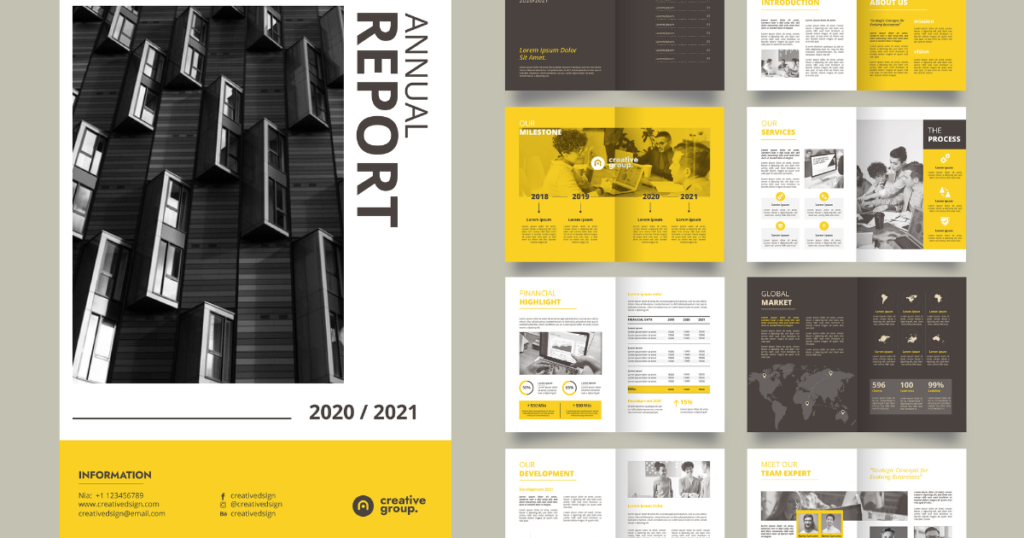
Templates save time and promote consistency. For recurring tasks like drafting emails, reports, or social media posts, templates are invaluable. They help VEAs work faster while maintaining a consistent tone and style. You can create templates for commonly used emails, social media captions, and monthly updates.
Template Ideas:
- Standardized email responses for parents or staff.
- Monthly social media content calendar.
- Meeting agenda and minutes templates.
5. Implement a Time-Blocking Method

Time-blocking dedicates specific hours to particular tasks, helping your VEA stay focused and avoid distractions. Encourage your VEA to block off segments of their day for tasks like email management, content creation, or data entry. This approach prevents multitasking and increases productivity.
Example Time Blocks:
- Mornings for high-priority tasks, like emails and updates.
- Afternoons for creative tasks, like social media and content creation.
- Evenings for reviewing the day’s work and planning tomorrow.
6. Leverage Automation for Routine Tasks

Automation is a productivity powerhouse. Routine tasks like email filtering, meeting reminders, and file management can be automated, freeing up time for high-impact work. Set up automated workflows using tools like Zapier to handle repetitive processes efficiently.
Suggested Automations:
- Automatically label and organize incoming emails.
- Schedule weekly task reminders for recurring duties.
- Auto-post social media content using Buffer or Hootsuite.
7. Keep Documentation and Resources Accessible

Centralized documentation improves efficiency. Use a cloud storage system to share files and resources, ensuring your VEA can access everything they need. A shared drive with folders for policies, guidelines, and task instructions helps VEAs complete tasks independently and reduces back-and-forth communication.
Tips for Organization:
- Group files by category, like “Policies,” “Templates,” and “Reports.”
- Provide permissions based on necessity, ensuring access only to relevant documents.
- Regularly update documents to keep information current.
8. Set Clear Boundaries and Expectations

Boundaries protect productivity and prevent burnout. Set expectations for working hours and response times. Discuss with your VEA when they should be available and how urgent requests will be handled. Clear boundaries foster a healthy work environment and allow for a more sustainable work rhythm.
Best Practices:
- Define “working hours” and off-hours.
- Create an emergency protocol for urgent issues.
- Schedule dedicated times for task reviews and questions.
9. Encourage Regular Feedback and Reflection

Feedback fuels improvement. Schedule periodic reviews to discuss your VEA’s performance, share feedback, and celebrate achievements. This step keeps the workflow dynamic and responsive to evolving needs. A feedback loop also helps VEAs understand where they can improve or expand their responsibilities.
Feedback Questions:
- Are there tasks you feel need more clarity?
- How can we improve communication and workflows?
- What challenges did you encounter this month?
10. Continually Assess and Adjust the Workflow

A seamless workflow is adaptable. As the needs of your school evolve, regularly assess and adjust the workflow with your VEA. Take time to review what’s working and identify areas to improve. Adjustments will keep your workflow streamlined and ensure that it remains efficient in the long run.
Recommended Assessment Schedule:
- Monthly check-ins for workflow updates.
- Quarterly reviews to make larger adjustments.
- End-of-year reflection on the overall process.
Conclusion
Creating a seamless workflow with a Virtual Executive Assistant takes planning and intention. With clear goals, structured communication, and strategic tools, VEAs can handle a range of tasks that keep your school running smoothly. By building a strong workflow, you empower your VEA to work effectively and consistently, ultimately benefiting your entire school community.
Call to Action:
Ready to streamline your school operations with a Virtual Executive Assistant? Contact Edu Virtual Support today to find out how we can support your school’s productivity goals!